Here's the thing about smart homes: every camera, doorbell, smart plug, hub, and voice assistant is a device on your WiFi network. A typical smart home easily runs 20-40 connected devices, and a regular single-router setup wasn't built for that kind of load. When your Ring doorbell takes 10 seconds to load a live view, or your Nest camera drops offline every few days, the problem is almost always your WiFi.
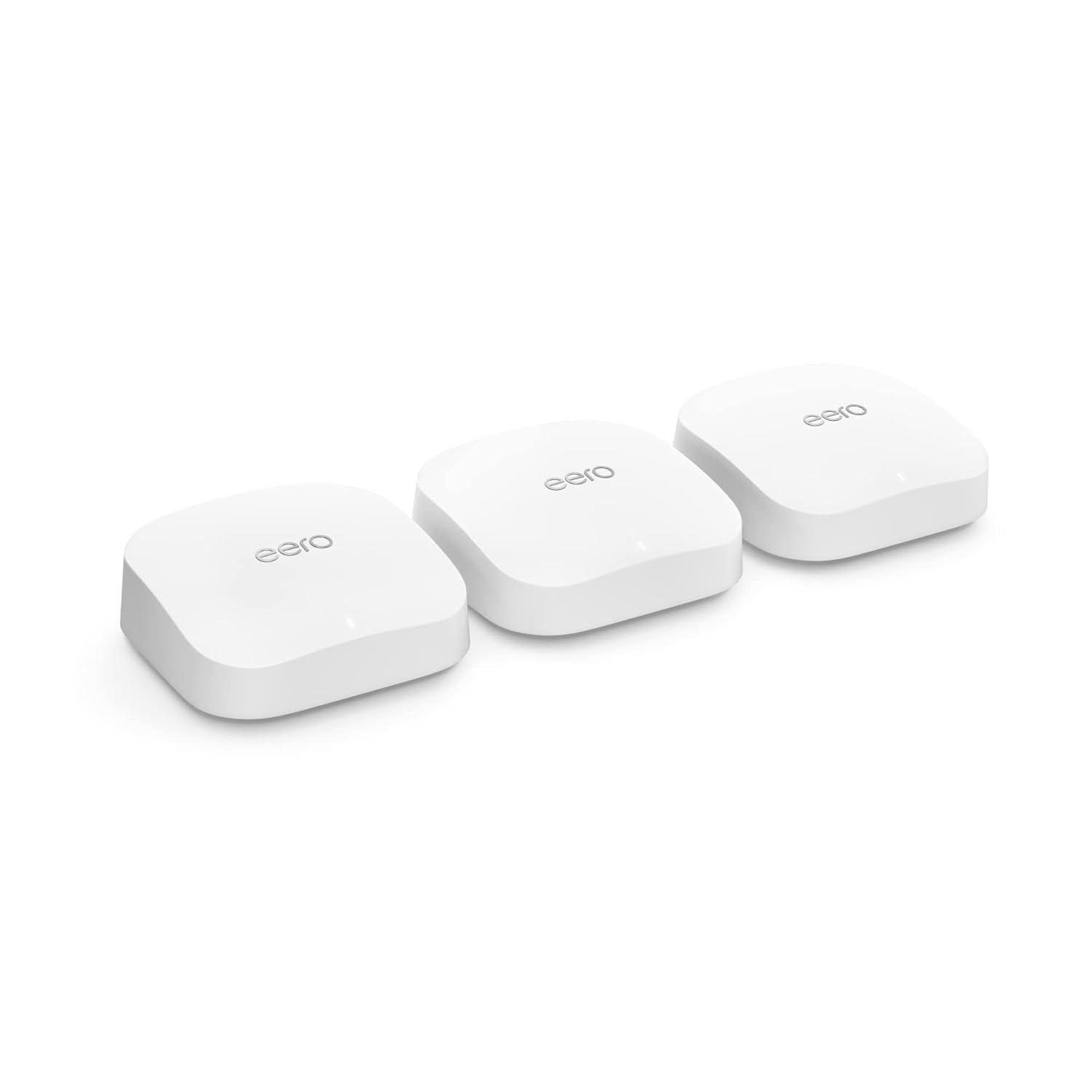
The Amazon Eero Pro 6E (3-pack) is the best mesh system for most smart homes. It covers 6,000 sq ft, handles 100+ devices, and costs $200 for three units. If you're a Google household, the Google Nest WiFi Pro integrates more deeply with your existing setup. If you want the absolute best performance, the Netgear Orbi 960 is the premium pick for large homes with 30+ devices.
Some links on this page are affiliate links. If you buy through them, we earn a small commission at no extra cost to you.
Why a Regular Router Struggles with Smart Homes
A regular router broadcasts from one spot. Walls, floors, and distance weaken the signal. Your laptop handles this fine because it's one device with a strong antenna. But smart home devices have tiny, low-power radios. A smart plug tucked behind a couch in the far bedroom doesn't have the antenna strength to maintain a solid connection to a router two rooms away.
Mesh systems solve this by placing multiple access points throughout your home. Each node talks to the others, and your devices connect to whichever node is closest. The result: consistent signal everywhere, no dead spots, and no dropped connections for devices with weak radios.
What to Look for in a Mesh System for Smart Homes
Band Count and Backhaul
Tri-band systems (three radio bands) are the minimum for smart homes. Why? Two bands handle your devices while the third acts as a dedicated backhaul, a private highway for nodes to communicate with each other. Without dedicated backhaul, your mesh nodes compete with your devices for bandwidth, which defeats the purpose. All four of our top picks are tri-band or better.
Device Capacity
Cheap mesh systems advertise "up to 50 devices" but start struggling at 30. For a smart home, look for systems rated for 100+ devices. The Eero Pro 6E and Google Nest WiFi Pro both handle this well. The Netgear Orbi 960 supports 200+.
Setup and Management
You're buying a mesh system to make your life easier, not to spend weekends configuring router settings. The eero app is the gold standard for simplicity. Google Home integration makes the Nest WiFi Pro equally painless for Google households. TP-Link's Deco app is straightforward. Netgear's Orbi app is functional but has a steeper learning curve.
Alexa and Google Home Compatibility
If your smart home runs on Alexa, the eero Pro 6E is the natural fit (Amazon owns eero). If you're a Google household, the Nest WiFi Pro with built-in Thread and Matter support is the clear choice. The TP-Link Deco systems work with both, which makes them the platform-neutral option.
Our Top Picks
Eero Pro 6E (3-Pack): Best for Most Smart Homes
Price: ~$200 | Rating: 4.5/5 | Coverage: 6,000 sq ft | Devices: 100+
The Eero Pro 6E is the Wirecutter pick and our pick too. Tri-band Wi-Fi 6E with a dedicated 6GHz backhaul means your nodes communicate at full speed without stealing bandwidth from your devices. Three units cover 6,000 sq ft. Setup takes 10 minutes through the eero app.
For smart homes specifically, the Zigbee hub built into each eero Pro 6E unit is a bonus. It means some smart home devices (like certain sensors and switches) connect directly to the router without needing a separate hub.
TP-Link Deco XE75 (2-Pack): Best Value
Price: ~$180 | Rating: 4.4/5 | Coverage: 5,500 sq ft | Devices: 150+
The Deco XE75 delivers Wi-Fi 6E mesh at $20 less than the eero Pro 6E. You get two units instead of three, but 5,500 sq ft of coverage is enough for most homes. The Deco app's QoS priority feature lets you tell the router which devices matter most, so your security cameras and doorbell always get priority bandwidth.
Google Nest WiFi Pro (3-Pack): Best for Google Households
Price: ~$230 | Rating: 4.3/5 | Coverage: 6,600 sq ft | Devices: 100+
If your home runs Google Home with Nest cameras and a Nest Hub, the Nest WiFi Pro is the obvious choice. The Thread border router built into each unit means newer Matter-compatible smart home devices connect natively. Setup and management happen through the Google Home app, which you're already using.
Netgear Orbi 960: Best for Large Homes
Price: ~$700 | Rating: 4.1/5 | Coverage: 6,000 sq ft | Devices: 200+
The Orbi 960 is overkill for most homes, and that's the point. Quad-band Wi-Fi 6E with a dedicated 6GHz backhaul, 10.8 Gbps combined throughput, and a 2.5G WAN port. If you have a large home (4,000+ sq ft), 30+ smart devices, and a multi-gig internet plan, this is the only system that won't bottleneck.
What About Wi-Fi 7?
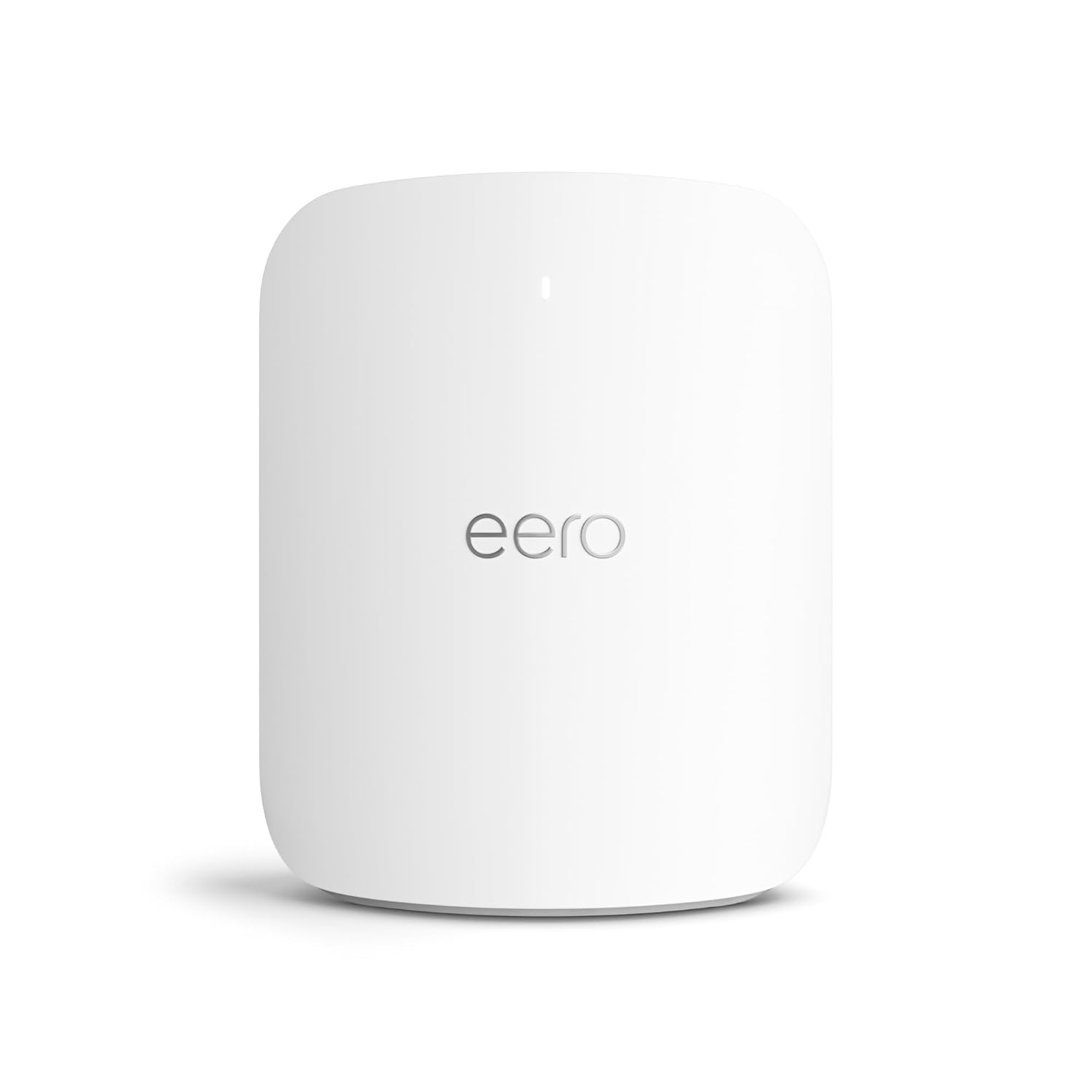
Wi-Fi 7 mesh systems are now available, including the Eero Max 7 ($599/unit) and the TP-Link Deco BE85 ($400 for a 2-pack). They offer higher throughput and lower latency than Wi-Fi 6E, which will increasingly benefit smart home setups.
The catch: most smart home devices don't support Wi-Fi 7 yet. Your Nest cam, Ring doorbell, and smart plugs are all Wi-Fi 5 or 6 devices. They'll work fine on a Wi-Fi 7 router (it's backward compatible), but they won't take advantage of the faster speeds.
If you want to buy once and not think about your router for the next decade, Wi-Fi 7 is a reasonable choice. If you want the best value right now, Wi-Fi 6E covers everything a smart home needs.
Frequently Asked Questions
Do I need Wi-Fi 7?
For smart homes in 2026, no. Wi-Fi 6E handles everything current smart home devices need. Wi-Fi 7 is a forward-looking purchase for buyers who want to avoid upgrading their router for 7+ years. If your budget allows it and you don't want to think about WiFi again, it's a fine choice. Otherwise, Wi-Fi 6E is the sweet spot.
Mesh router vs. regular router with extenders?
Mesh, every time. Range extenders create a separate network that your devices bounce between, causing disconnections and handoff delays. Mesh systems create one unified network where devices transition between nodes without dropping. For smart homes, this distinction matters a lot.
How many mesh nodes do I need?
For most homes under 3,000 sq ft, two nodes are enough. For 3,000-5,000 sq ft, three nodes. Above 5,000 sq ft, consider four nodes or a high-powered 2-unit system like the Netgear Orbi 960. Thick walls, multiple floors, and building materials like concrete or brick may require additional nodes regardless of square footage.